Give the photos of your party in Utrecht a frame that suits you. With your names and wedding date or a company logo, every print becomes personal. Choose the colors, text, and layout for your photo strip yourself. Looking for a unique design background? You can create one with the AI wizard.
Let the atmosphere of your party be reflected in the print. Design it yourself in the online tool or let our designer help you.
A party in Amersfoort or Veenendaal? Discover what suits your guests and plans in Utrecht.
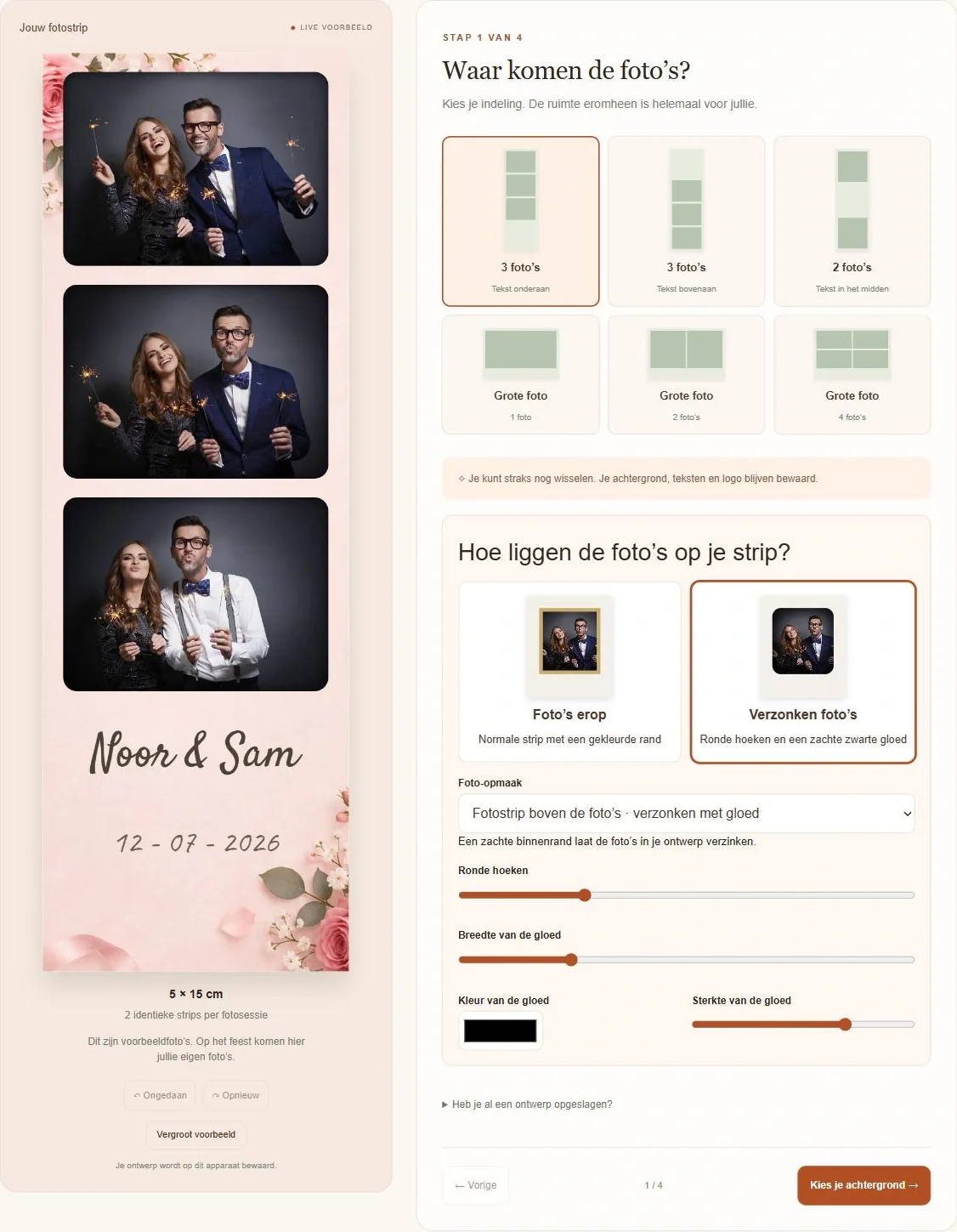
Here you can see the personalization tool in a real screenshot. You will receive access after your photobooth order.
What makes your event recognizable? Perhaps it is your names and wedding date, the cheerful colors of a birthday, or your company logo. By incorporating these elements into the photo design, you give the prints the same look and feel as the party.
For example, take inspiration from the invitation or use an image within your theme. From understated to extravagant: the framing can showcase your style, while the photos themselves take center stage.
€0 extra
Prefer no text or logo on the photo? With the standard layout, you choose to print without personal additions.
+ € 25
Shape your ideas yourself in the online personalization tool. There, you combine your own images, text, and colors into a personal photo design.
+ € 75
Our designer can take care of the design for you. Let us know which style you are looking for and send the desired text, your logo, or an image.
You can find these choices in the configurator for the regular photobooth. For the standalone Printerbooth, personalization with your own text or logo is a separate option for €39. The choices for AI may differ from this. Therefore, please check which options your model offers.
Sit down at a laptop or PC and decide which names, date, and text you want to use. Also find your logo or images. Finally, have the order code from your confirmation ready.
Your personal design environment becomes accessible after your photobooth order. You can get started with the order code in your confirmation. Don't need to finish it right away? Save your design and continue working on it later.
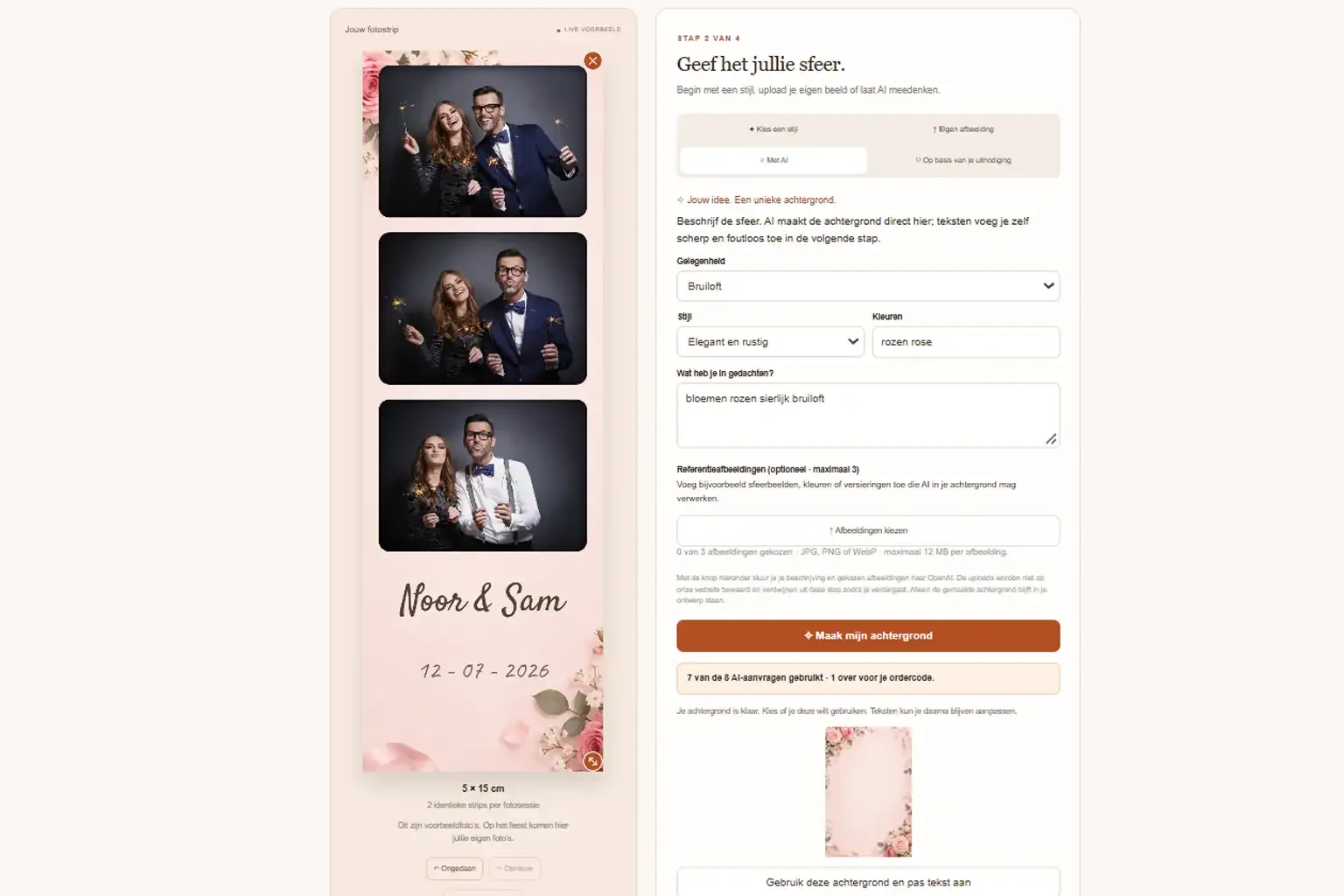
This is the actual start screen of the personalization tool. Start with the code found in your confirmation.
Design for the print format you choose for your photobooth: a strip or a large photo. See how many photo panels the layout has and how much space remains for your design.
Apply your colors and text, and add a logo or image if you wish. You can also use an AI prompt for a background in your party's theme. Then view the preview: does everything form a nice whole and is the text easy to read?
Are the names and date correct, is the spelling correct, and is the image sharp enough? After this check, submit your design following the steps in the portal. Also follow the instructions and submission deadline from your confirmation.
Take a look at the personalization tool. Enlarge a screenshot by clicking on it to view the controls. Sample photos are available in the editor. You will gain access yourself after ordering a photobooth.
Start with a photo strip or large photo. Then determine the placement of the photos and your text.
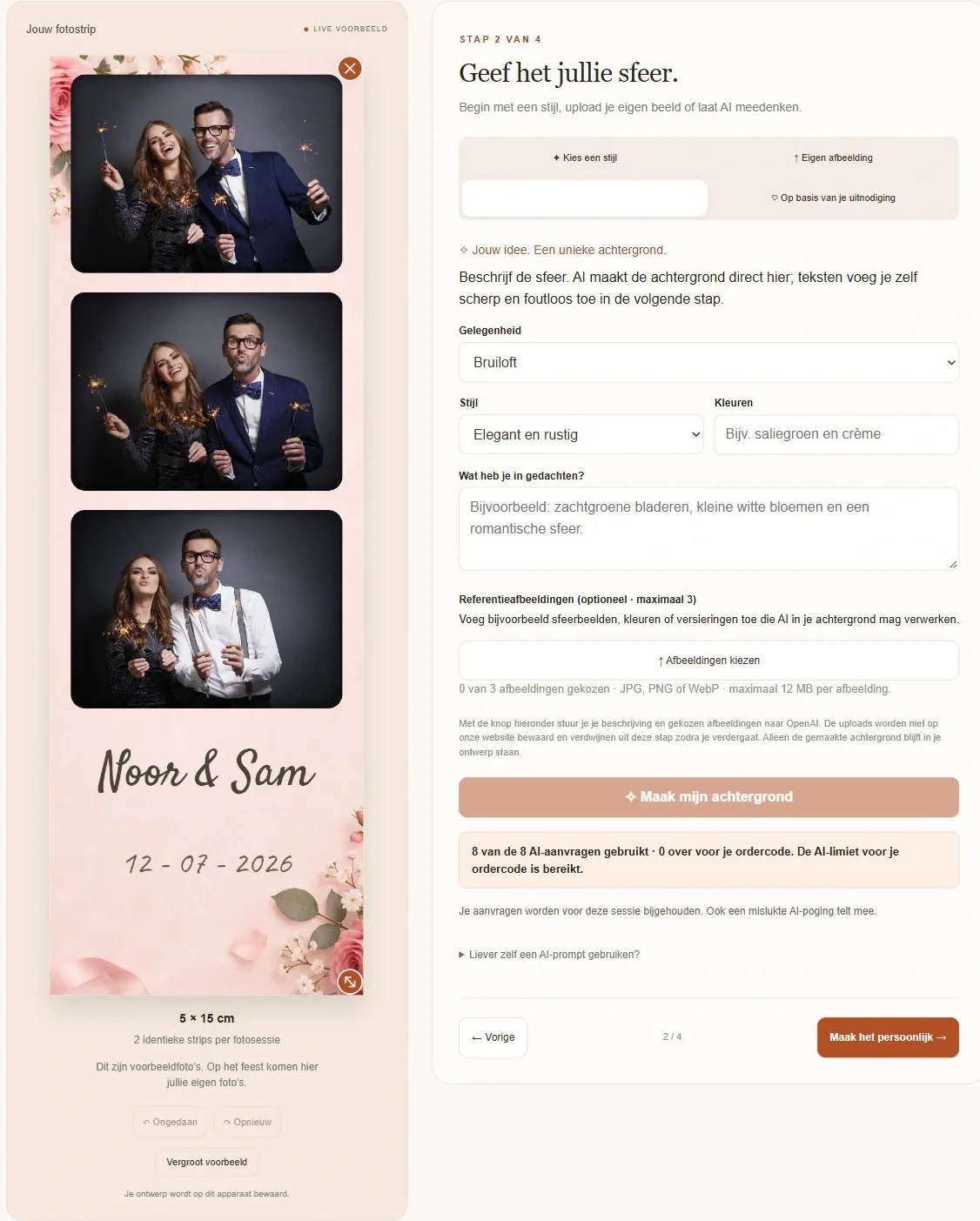
Set the occasion and style. Then, use a prompt to specify what kind of background you are looking for for your party.
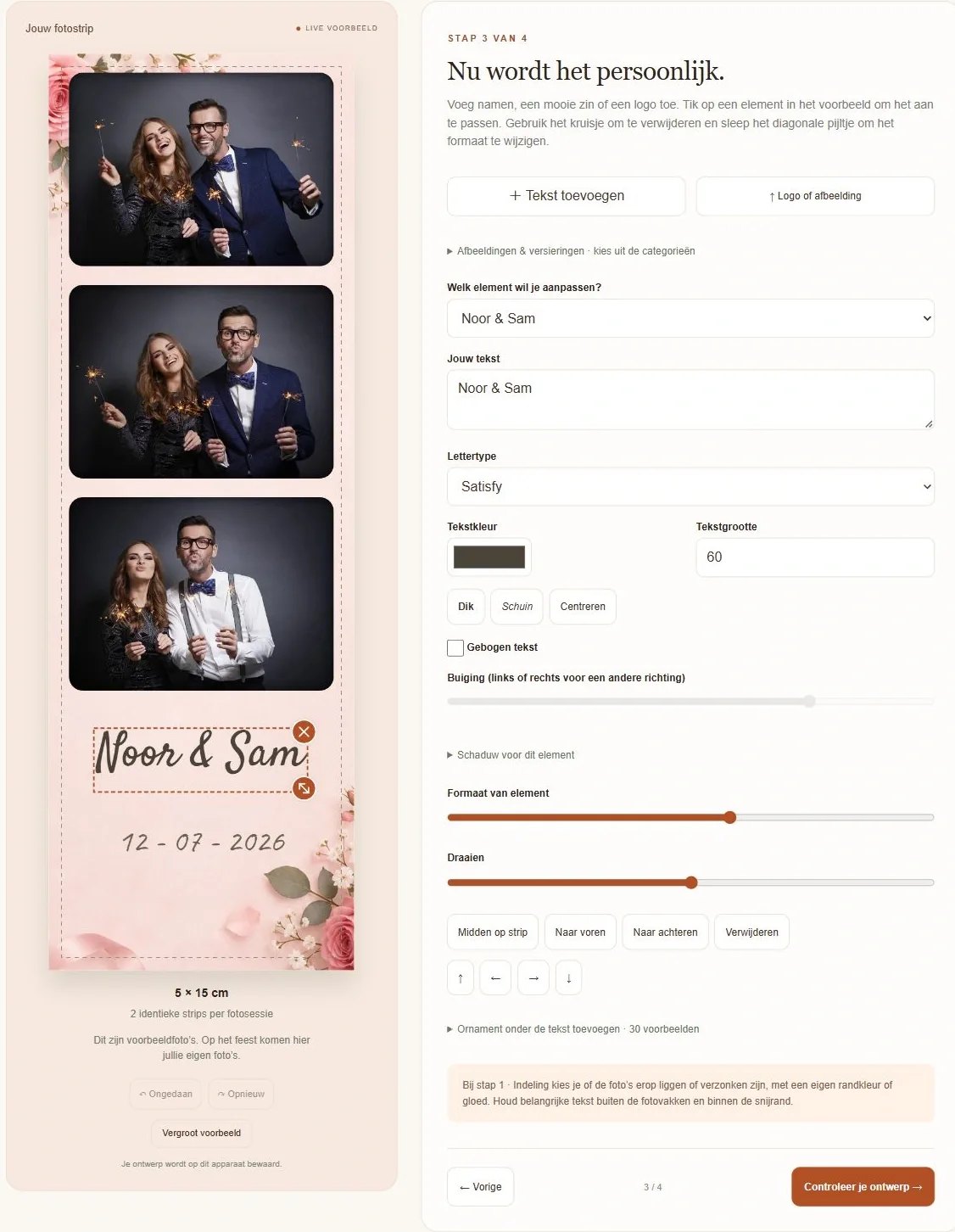
See the effect of your changes immediately: adjust the names, fonts, text size, and colors until everything fits.
Think of flowers for a romantic look, disco for a lively party, or a calm background in your company colors. The AI function uses your text description, also known as a prompt, to create a background. So you guide the image with words, without having to draw it yourself or search for a suitable image.
Describe the colors you have in mind and the theme and feeling the image should convey. Also indicate where space is needed for your photos, text, or logo.
Check if the generated AI image aligns with your idea. Can it be calmer, with fewer flowers or softer colors? Adjust your description and have a new version created.
Place the background in your photo design. Then personalize it with names, a date, or your logo, and review the entire design before submitting it.
Are you looking for a different environment? behind the guests in the photoIf so, choose the separate option 'Custom background photo behind the photos (green screen effect)'. This is different from a background for the design of your print. Both have their own application; select the option you need when booking.
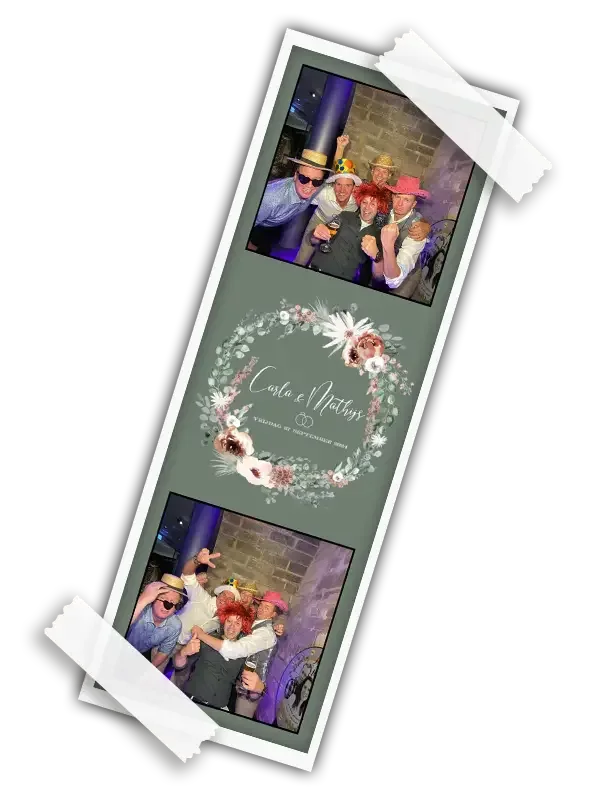
How do a background, text, and photos work together on the print? These six examples show. They use AI backgrounds and the actual layouts from our personalization tool, for both photo strips and large photos.
You are viewing the sample photos from the editor here; your own photos will be created during the party. Click on a print for a larger view while maintaining the aspect ratio.
In the tool, you choose from three comic strip layouts. Your text appears at the bottom, at the top, or between two photos.
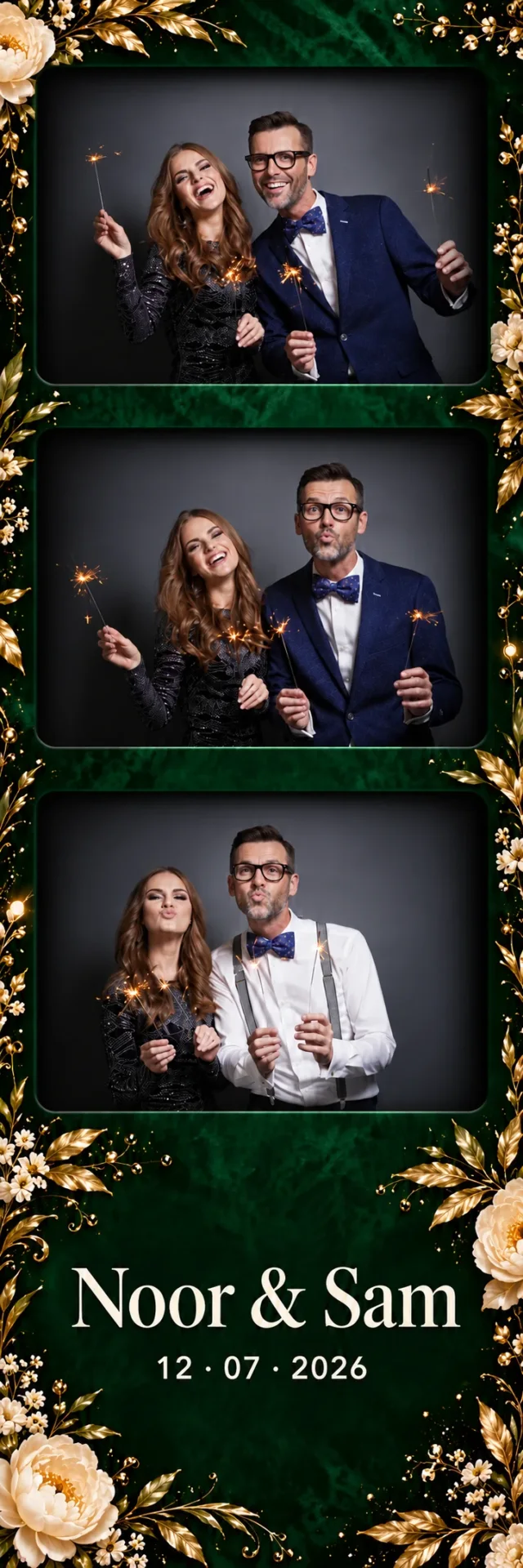
3 photos · text at the bottom
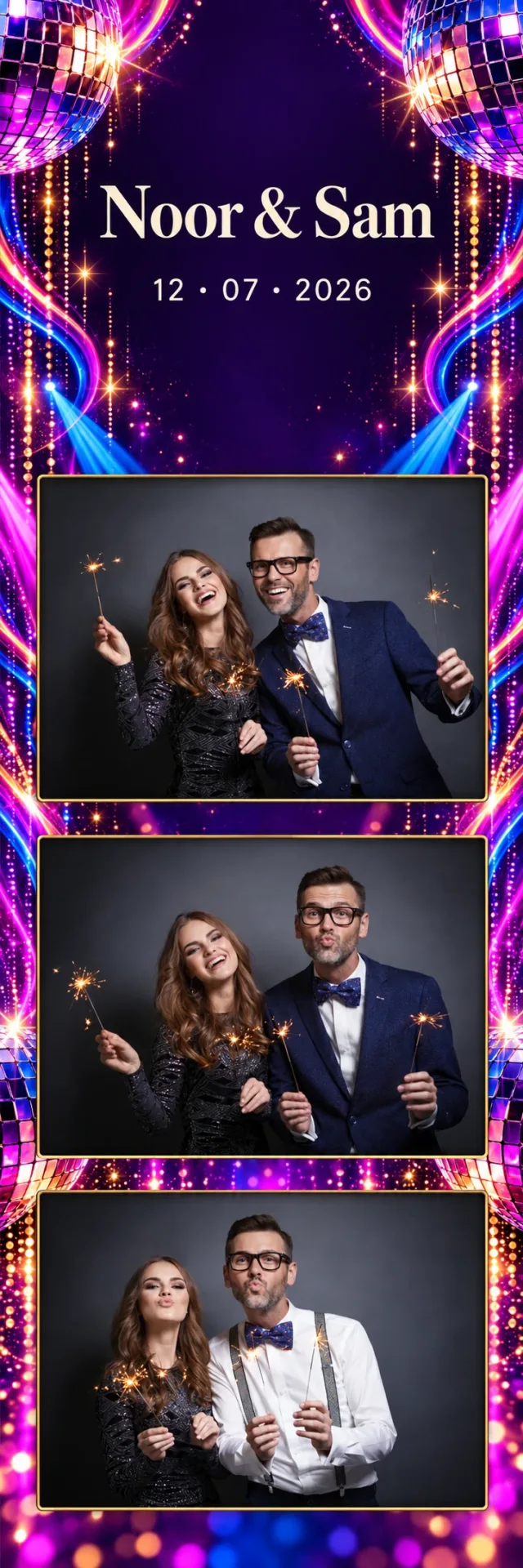
3 photos · text at the top
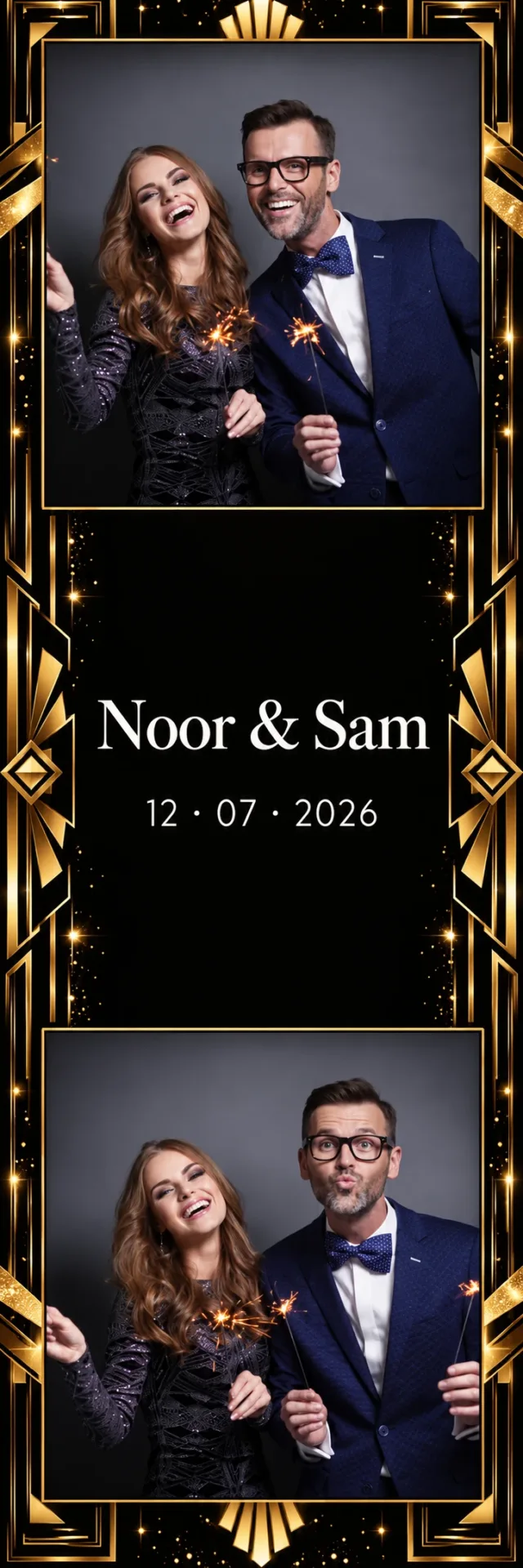
2 photos · text in the middle
For a landscape print, choose a layout with one, two, or four photos in the personalization tool.
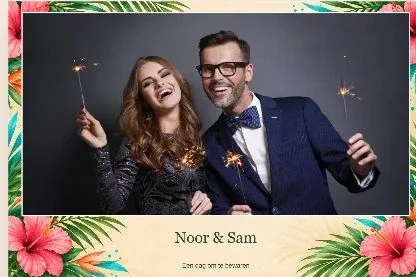
1 photo
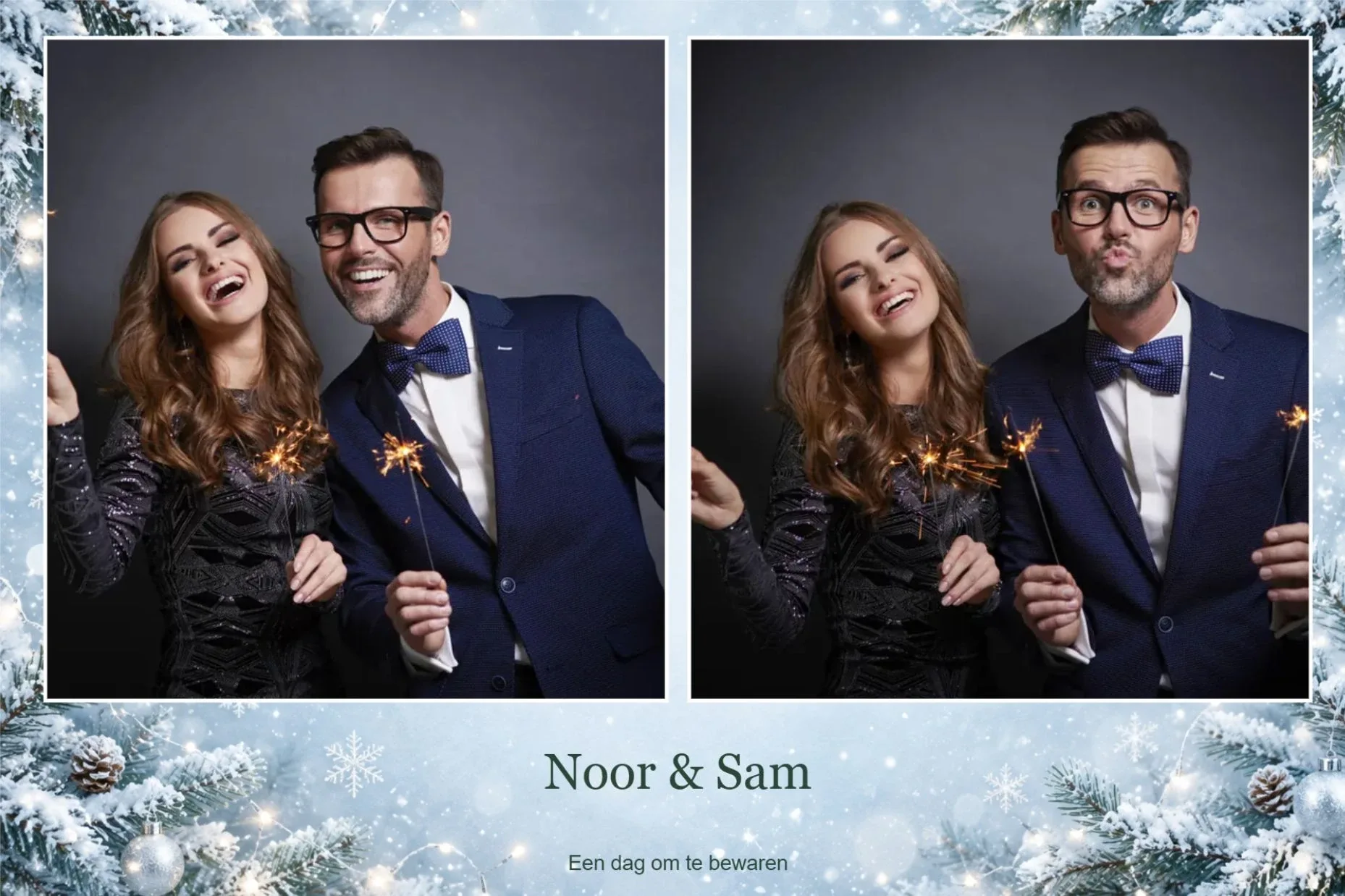
2 photos
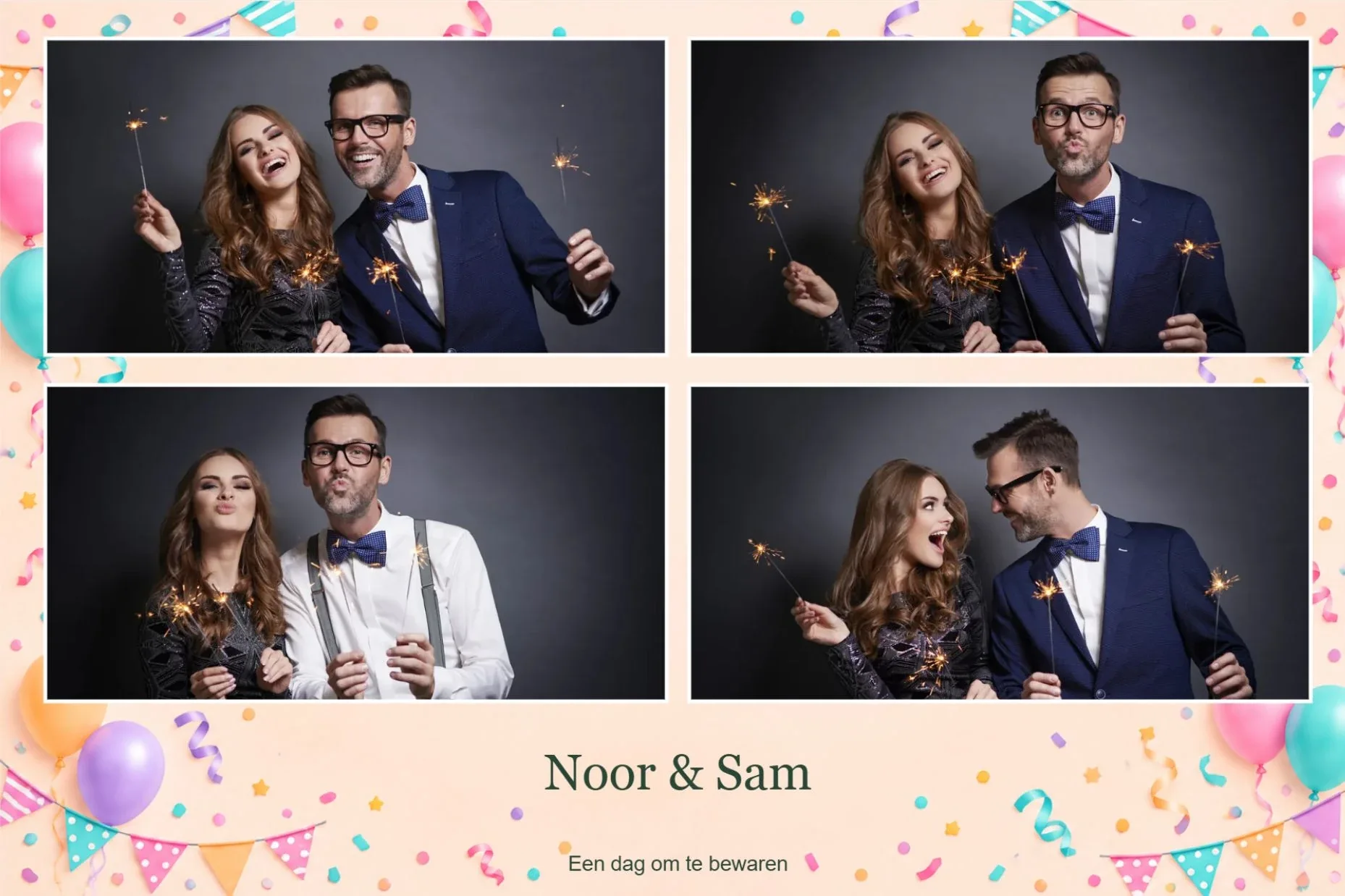
4 photos
| Size | Look | Prints per session |
|---|---|---|
| Photo strip · 5 × 15 cm | Multiple photo opportunities on a narrow strip, with space for your design | Two photo strips |
| Large photo · 15 × 10 cm (landscape) | A large print with a layout matching your chosen package | One large photo |
Not every model offers the same sizes and layouts. Determine your size when booking and use that choice as the basis for your design.
You don't have to start from scratch in the tool if you prefer working in another program. The personalization portal indicates that you can upload a design from Canva, Photoshop, or a similar program. After uploading, check in the tool whether everything aligns well with the photo boxes. Keep important text and logos outside the photos and adjust their placement to your chosen layout.
Always use the current instructions in the personalization portal to upload and place them in the correct location.
Limit your text so that it is easy to read, even on a narrow photo strip. Often, your names and a date already say enough.
Pay attention to the sharpness and resolution of your logo or image. What is already blurry in the file will not suddenly gain more detail on paper.
Use decoration to complement the photos, not to cover them. Carefully check that frames, text, or logos do not obscure any important parts.
The tool is available as soon as you have ordered a photobooth, not before. After your order, you will receive the order code and instructions to create your photo design.
If you do not want personalization, you can choose standard prints. You pay extra for custom designs or custom work. Check the configurator for your model to see which options and prices apply.
Yes, you use a prompt to indicate which colors, atmosphere, and elements you are looking for. See what the AI makes of it and adjust your description if necessary. You add text and logos separately. Then check if the background matches the layout of your photos.
A design background concerns the design surrounding the photo boxes on the print. Greenscreen does something different: it replaces the surroundings behind the guests in the photo. If you want the latter, select the separate background option when booking.
Preferably use a laptop or PC, as the personalization portal advises. The larger screen helps you check if the layout is correct and all text is clearly legible.
After placing your photobooth order, check the confirmation and personalization instructions: your order code is listed there. Can't find it anymore? Contact us and make sure you have your booking details at hand.
Yes. The current home screen states that you can save your photo design to continue working on it later. The tool indicates how to do this.
Certainly, with your own text and images, you can tailor the photo design to your party. If you choose custom work, you can also send along your invitation or corporate identity as inspiration for the design.
Please adhere to the deadline stated in your confirmation for submission. The current personalization instructions mention no later than seven days before the event. If preparation time is short, please consult with us in advance so you know what to expect.
In that case, a standard layout is used according to the current instructions. If you want to see your own design, please adhere to the submission instructions and the deadline in your confirmation.
That is possible. Select custom work by our designer and follow the instructions with your booking. Please include the desired text, a logo or image, and an explanation of your wishes.
Give your party a personal touch.
Start by choosing your photobooth and add the personalization you want. You will only get access to the tool after placing your order. You will then receive the instructions and order code to create your design.