LET YOUR GUESTS ENJOY IT WITH YOU
You may want to share some group photos with all your guests immediately. The HDMI slideshow automatically displays your photobooth photos on a connected television or projector. This way, everyone can enjoy the moments from the photobooth during your wedding, corporate party, or other celebration in Utrecht.
A party in Nieuwegein or Utrecht? Discover what suits your guests and plans in Utrecht.
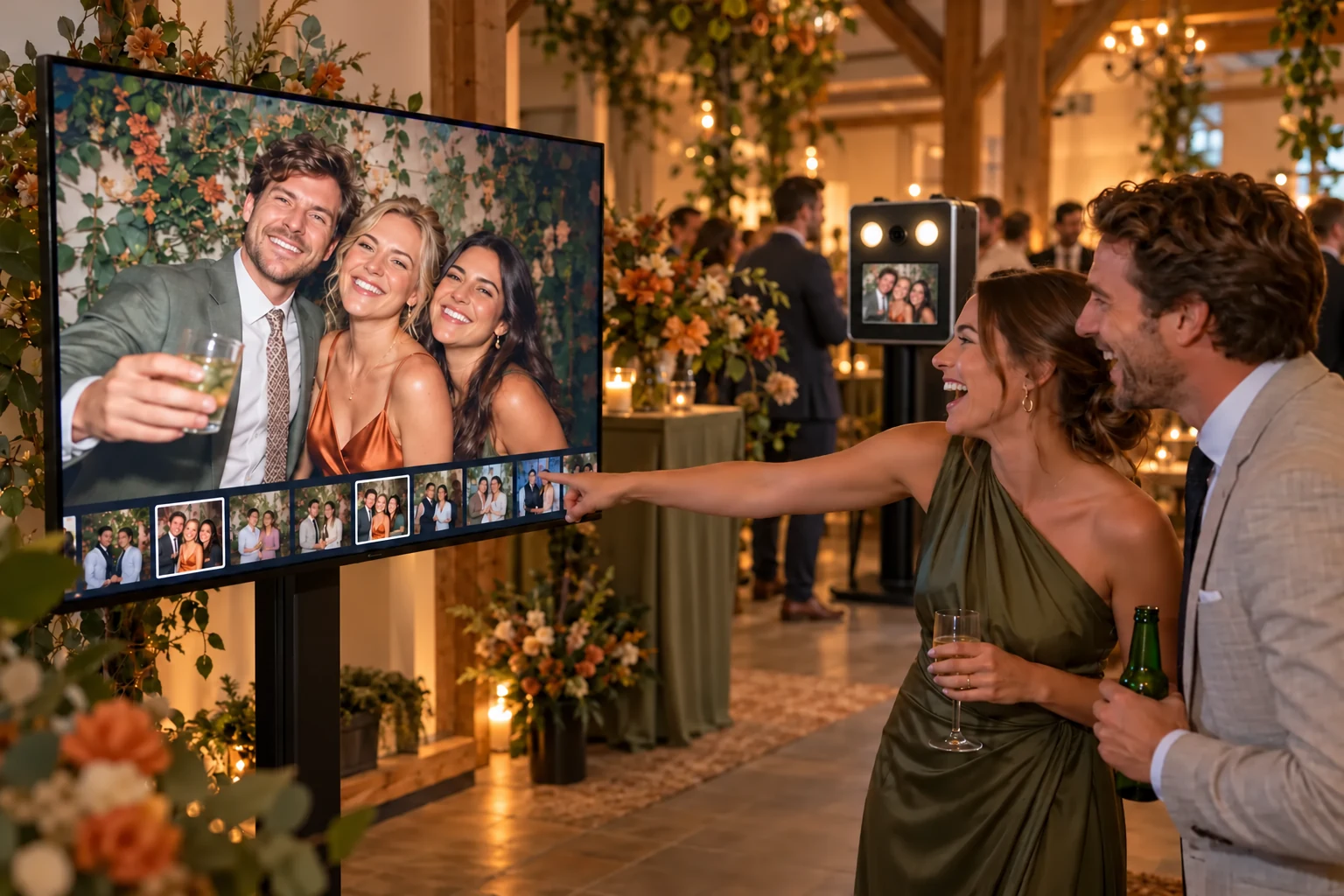
A TV beside the photobooth or a projector in the party room: give your photos a place at the celebration and let guests enjoy them together.
This illustrative atmosphere image has been edited with AI. The setup and screen layout may differ in practice.
01
Choose a television, monitor, or projector that has an HDMI input. Then, place the screen where your guests have a good view of the photos.
02
Connect the photobooth to the screen using the HDMI cable. Then select the correct HDMI input on the television or projector. Consult with us in advance regarding the connection and the required cable length.
03
As soon as Booth Studio recognizes the second screen and the slideshow function is enabled, the photos taken are displayed automatically. Meanwhile, the photobooth remains available to take new photos.
Discuss with us in advance: who provides the screen or projector, where it will be placed, and how long the HDMI cable needs to be. A screen is not automatically included with the photobooth hire.
What do you want to show: the original individual photos or the complete design with frame and personal text? Photo strips appear as separate strips in the slideshow. A large photo is shown on its own slide.
In the standard Cinema style, a dark background and warm accents form the basis. In Booth Studio, you can also choose from Playful, Classic, Picture Frames, Futuristic, Website, and Gallery. Please let us know in advance which look suits your party.
Are you organizing a company party or event? Then your own logo can remain visible during the slideshow. Additionally, you can have it appear between the photos on a separate slide.
Only photos of the active event appear in the slideshow. We discuss the desired style, photo layout, and any branding in advance.
A TV, monitor or projector with an HDMI input, a suitable HDMI cable and power at the screen. Discuss the screen and cable length with us beforehand.
A TV or projector is not automatically included. Discuss beforehand whether you will use your own screen, the venue will provide one or you would like to make an additional arrangement.
Yes. With the feature enabled, Booth Studio automatically adds photos from the active event to the slideshow. Photos are shown in random order.
Yes. The photobooth keeps its own control screen. The second screen shows the slideshow, so guests can keep taking photos.
Yes. Choose between the original images and the complete design. The complete design displays your photo strip or large photo with its frame and personalisation.
Yes. Your logo can stay on screen and appear as a separate logo slide between photos. Discuss your preferred branding with us beforehand.
The local HDMI slideshow does not need an internet connection: the image travels to the external screen through the HDMI cable. Other features, such as online sharing, may use internet.
Display the photos from your party in Utrecht on a big screen. While the photobooth captures new moments, your guests can watch along via the slideshow. Discover the possibilities and discuss your screen setup with us.
Would you like to discuss your screen or the connection? Contact us.